Boho Casino App for Mobile

Boho Casino keeps the full lobby accessible on mobile in two ways — through a dedicated Android APK that downloads directly from the official website, and through a Safari web app that lives on the iPhone or iPad home screen. Neither version sits inside the Google Play Store or the Apple App Store, which is a normal restriction for real-money casino brands rather than a sign of anything being off. Aussie players can deposit, spin pokies, join live tables, claim bonuses and request withdrawals from the mobile experience with no feature compromise. The setup steps for both systems follow below.
Boho Casino on Android — APK Download
The Android route uses a direct APK file rather than a Google Play install. Google Play blocks real-money casino apps in Australia under its gambling policy, so Boho Casino hosts the latest APK on its own servers and updates it whenever new lobby features or security patches roll out. The download takes under a minute on a typical mobile connection.
System Requirements for Android
- Android 6.0 (Marshmallow) or newer
- Around 50 MB of free storage space
- A stable 4G, 5G or Wi-Fi connection
- Permission to install apps from unknown sources
Step-by-Step APK Installation
- Open the Boho Casino site in any mobile browser on the Android device.
- Tap the App link in the menu and select the Android download.
- When prompted, allow installation from unknown sources in the device settings.
- Open the downloaded APK file and follow the on-screen install prompt.
- Launch the app, log in with an existing account, and the lobby loads ready to play.
Boho Casino on iPhone and iPad
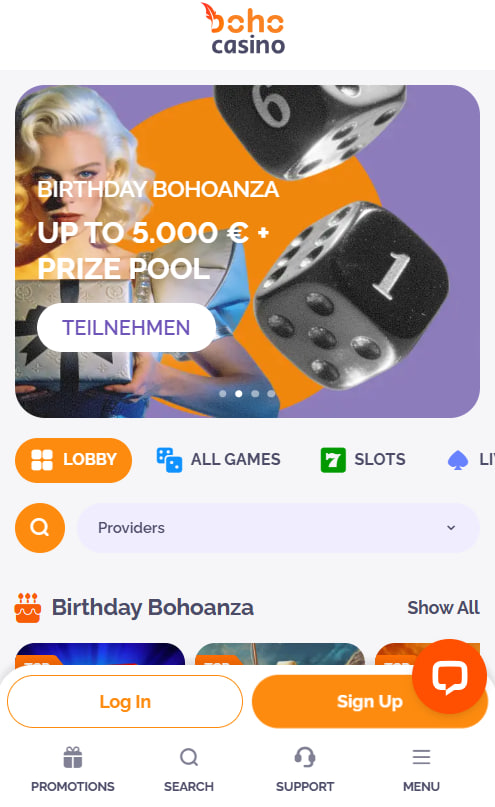
Apple App Store policy mirrors Google's stance on real-money casino apps, so iPhone and iPad players access Boho Casino through the Safari browser instead. The site is built as a progressive web app, which means adding it to the home screen creates a standalone icon that opens straight into the lobby with no browser bars in the way.
Adding the Site to the iOS Home Screen
- Open Safari on the iPhone or iPad and navigate to the Boho Casino site.
- Tap the Share icon in the bottom toolbar — the square with an upward arrow.
- Scroll the share menu and select Add to Home Screen.
- Edit the icon name if preferred, then tap Add in the top-right corner.
- The Boho icon appears on the home screen and opens directly into the lobby.
The same routine works on any iPad model running iOS 13 or later.
What the Mobile App Includes
Both the Android app and the iOS web app mirror the desktop site one-to-one. Every feature available on a computer is reachable on a phone, with touch-optimised controls for smaller screens.
- The full 2,000+ game lobby with pokies, live dealer, table, crash and jackpot sections
- Complete cashier for deposits and withdrawals across all supported methods
- Bonus activation including the welcome pack and weekly reloads
- VIP tracking and cashback status visible in real time
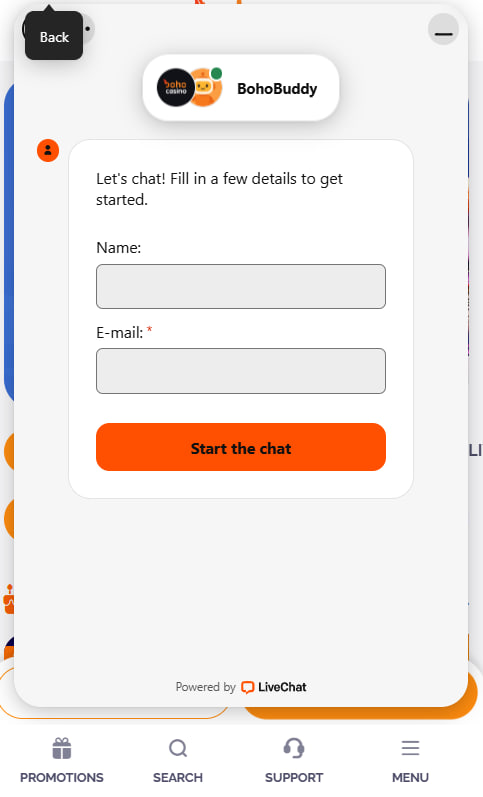
- Live chat support accessible from any screen with a single tap
- Push notifications for new promotions and free spin alerts
Logging In on Mobile
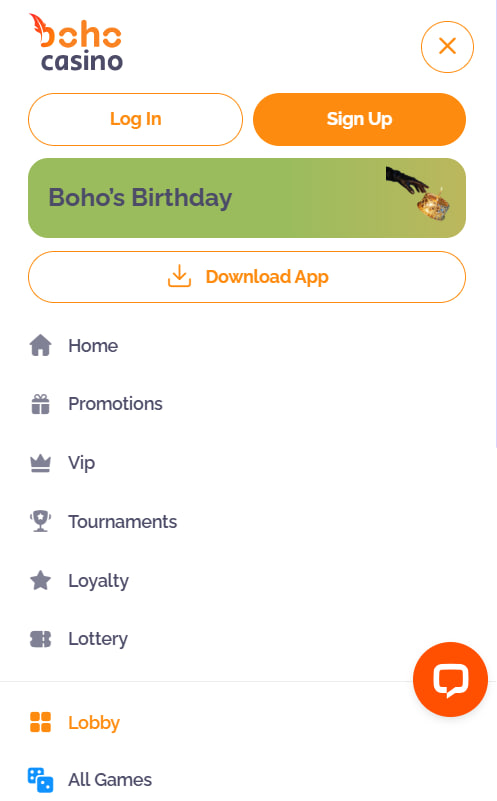
The mobile login works exactly like the desktop one. Players tap the menu icon, choose Log In, enter the registered email and password, and the lobby loads. Anyone new to the platform can start with the full sign-up flow on the registration page, which also covers the KYC steps needed before the first withdrawal.
Claiming the Welcome Bonus on Mobile
The welcome bonus is identical on every device. A first deposit of at least A$30 made through the mobile cashier triggers the 100% match plus 100 free spins on Bonanza Billion, with the second and third stages following on the next two deposits. The full breakdown and active promo codes live on the bonus page.
Troubleshooting Common App Issues
Most install and login issues come from a handful of small things. Here are the usual culprits and the quickest fixes.
| Issue | Quick fix |
|---|---|
| APK install blocked on Android | Enable installs from unknown sources in device security settings |
| iOS icon does not open the lobby | Delete the icon, clear Safari cache and add the site again |
| Live chat does not load on mobile | Check internet stability and refresh the browser tab |
| Games run slowly or freeze | Close background apps and switch from 4G to Wi-Fi if possible |

Aurelia Wentworth
Aurelia Wentworth reports on offshore-licensed online casinos serving Australian players at boho-casinoss.com, focused on the bohemian-themed Boho Casino operated by Hollycorn N.V. (reg 144359, Scharlooweg 39 Willemstad) since 2022 under Curaçao Gaming Control Board licence OGL/2023/176/0095 issued under the 2023 LOK Act framework.